
Viewing Application Information
General application information like the application version number and copyright information can be found in the Spok Mobile application.
In addition to being able to view the application information through the Settings screen, it can also be viewed by clicking on the application version number in the Registration screen.
Finding the Application Version Number and Copyright Information
To find the application version number and copyright information, perform the following steps:
- In the Spok Mobile application, tap the drawer option. The drawer displays.
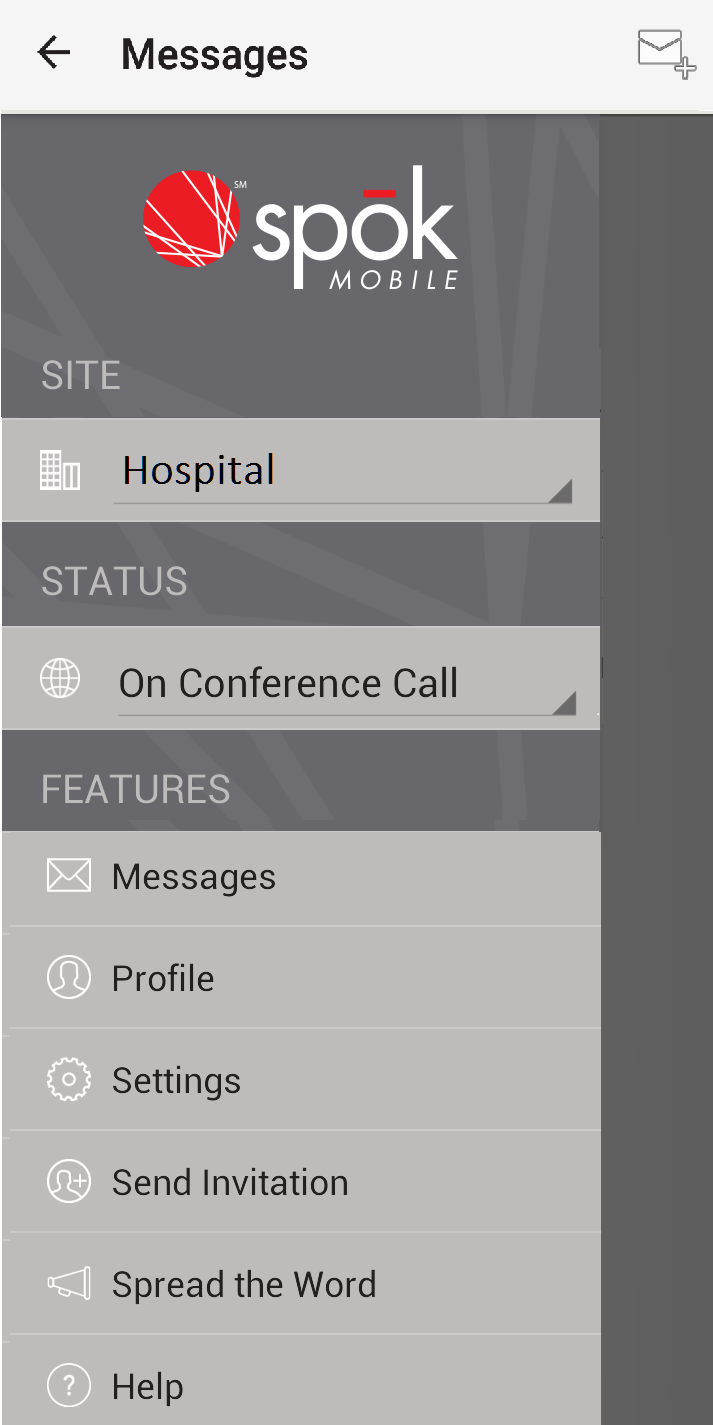
- Select the Settings option. The Settings screen displays.
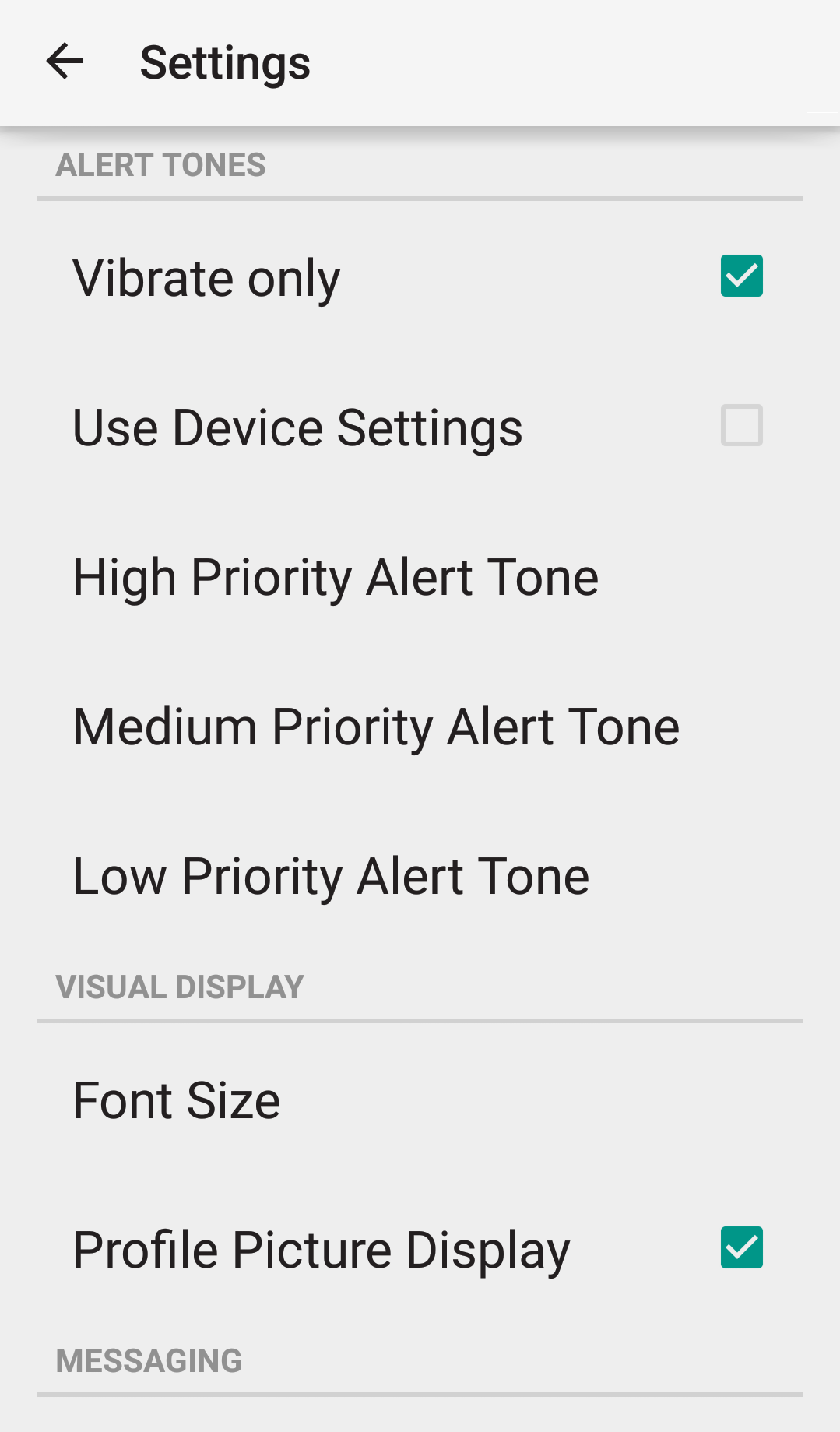
- Select the Info option. The About screen displays, showing the application version number and copyright information.
